
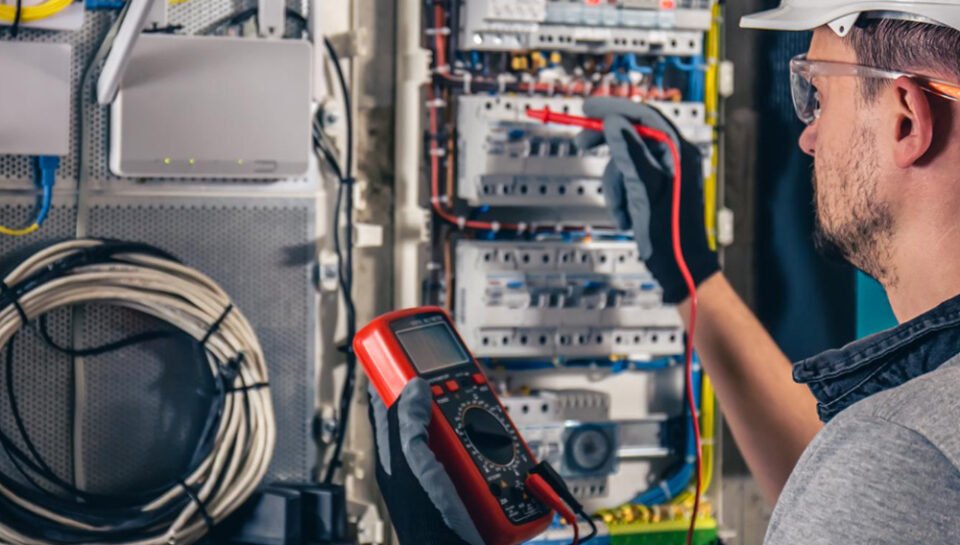
Moving into a new office is exciting – until the team arrives on day one and the internet is not working, the printer will not connect and nobody knows the WiFi password. Most of these problems come from planning IT too late. Use this checklist, prepared by the installation team at SKB IT Solutions, at least 3–4 weeks before move-in.
1. Order the internet line early
Business broadband and leased lines can take one to three weeks to install. Book two connections from different providers if your work depends on the internet – a firewall can switch between them automatically when one fails.
2. Plan network points with the interior designer
Mark where every desk, printer, access point, CCTV camera and biometric device will go. Network cables should be laid before false ceilings and partitions are closed – adding them later costs more and looks untidy.
3. Choose the right cabling
Cat6 cabling is the standard for most offices today. Ask for proper labelling, a patch panel and a test report for every point, so faults are easy to trace later.
4. Make space for a network rack
Your switches, firewall, NVR and modems need a ventilated rack in a lockable corner or small room, with a dedicated power point and UPS. Avoid placing it inside a pantry or under an AC duct.
5. Design business WiFi, not a home router
Use ceiling-mounted access points with central management, placed after a quick coverage check. Create separate networks for staff and guests. Our guide on why office WiFi becomes slow explains common mistakes.
6. Add a business firewall
A firewall protects your network, blocks harmful websites, controls bandwidth and gives secure VPN access for remote staff. See our firewall buying guide for small businesses.
7. CCTV for entry points and work areas
Cover the main entrance, reception, cash or store areas and parking. Decide how many days of recording you need – this decides the hard-disk size. Read how to choose the right CCTV camera.
8. Access control and attendance
Biometric or card-based access on the main door and server room keeps unwanted visitors out and records attendance at the same time. Learn more in our access control guide.
9. Phones and intercom
Decide whether you need an EPABX or intercom for internal calls or an IP phone system that also works for remote staff.
10. Laptops, printers and software
List how many laptops or desktops you need, along with licensed Windows, Office and antivirus. Startups can also consider renting – see laptop on rent vs buying.
11. Power backup
Put the network rack, firewall and CCTV on an online UPS so the office stays connected during power cuts. Our UPS guide explains which type to choose.
12. Backup and support after move-in
Set up automatic backup for important files and agree on who will support the IT after installation. An IT AMC is often the simplest option for small offices.
Quick move-in day check
- Internet working on both lines
- WiFi tested in every room and cabin
- All printers and shared drives connected
- CCTV recording and visible on mobile
- Biometric/access control enrolled for all staff
- Phones and extensions working
- UPS backup tested
We set up complete offices across Gurgaon, Udyog Vihar, Delhi, Noida and Faridabad. Planning this in Gurgaon, Delhi or anywhere in NCR? Contact SKB IT Solutions or call/WhatsApp +91-9717575348.